Worktape
I kept opening the same files and apps every time I sat down to work on a task. So I wondered, what if starting work was as easy as putting in a cassette? Pop it in and everything opens. Eject it and work mode ends.
One click to start work, one click to end it.
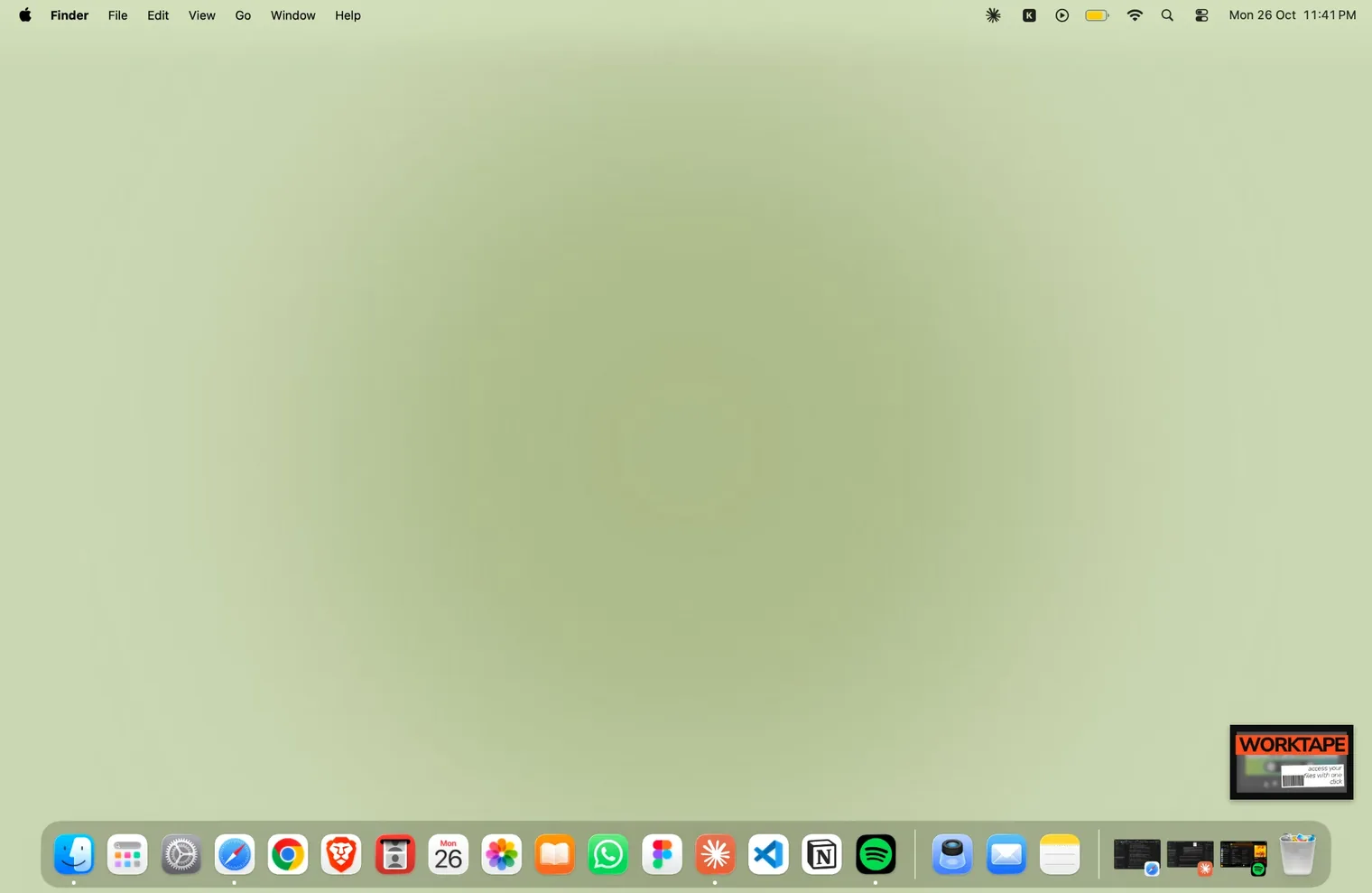
01 Always there
A small widget that sits on the desktop.
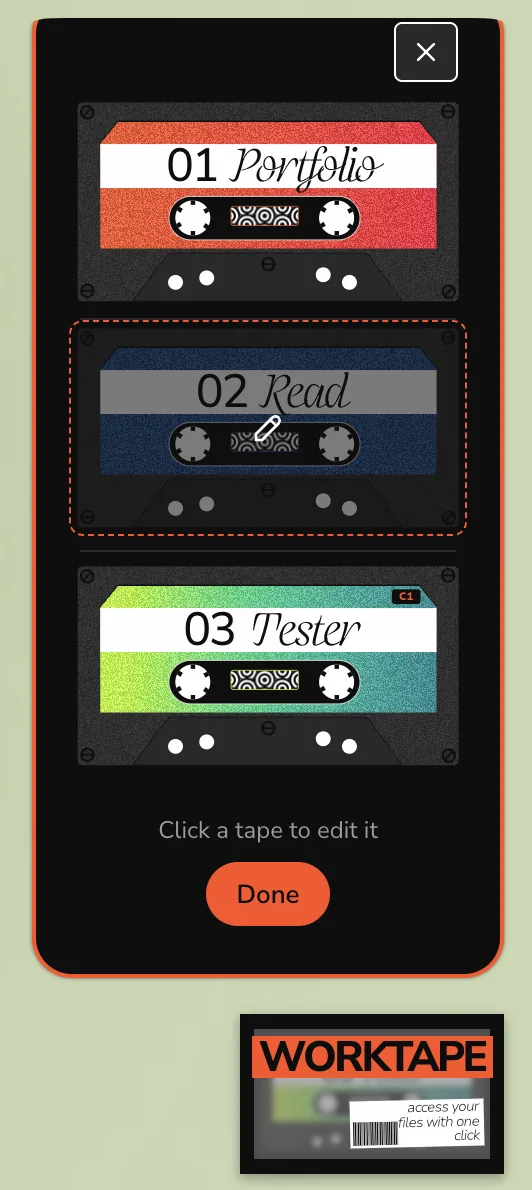
02 Open the shelf
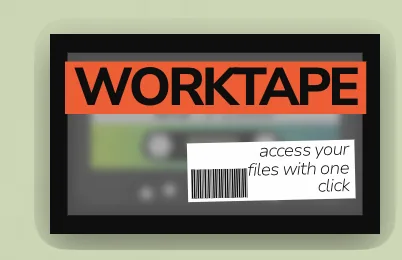
Click the widget and your tapes appear.
03 Manage your tapes
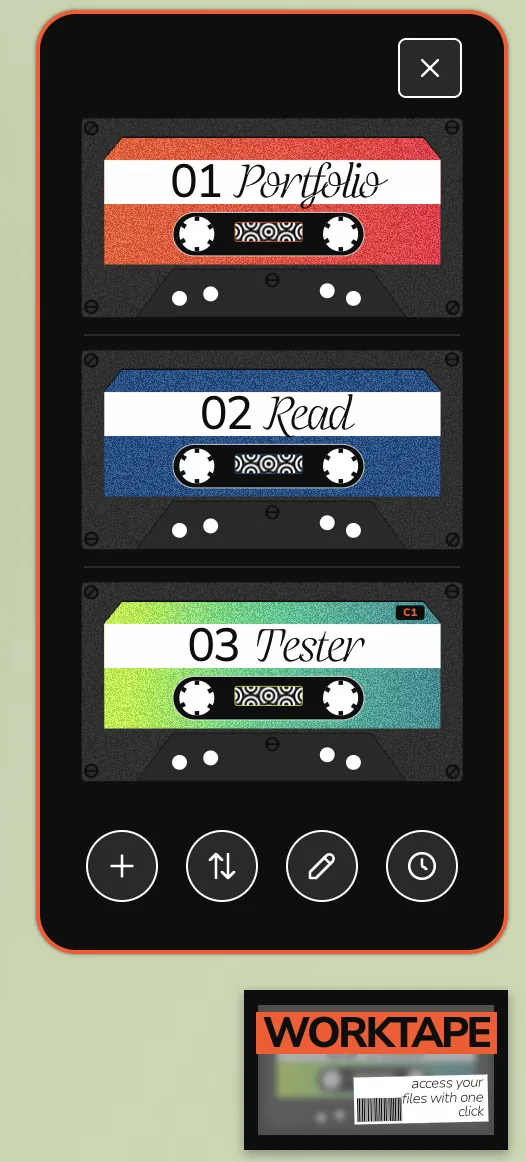
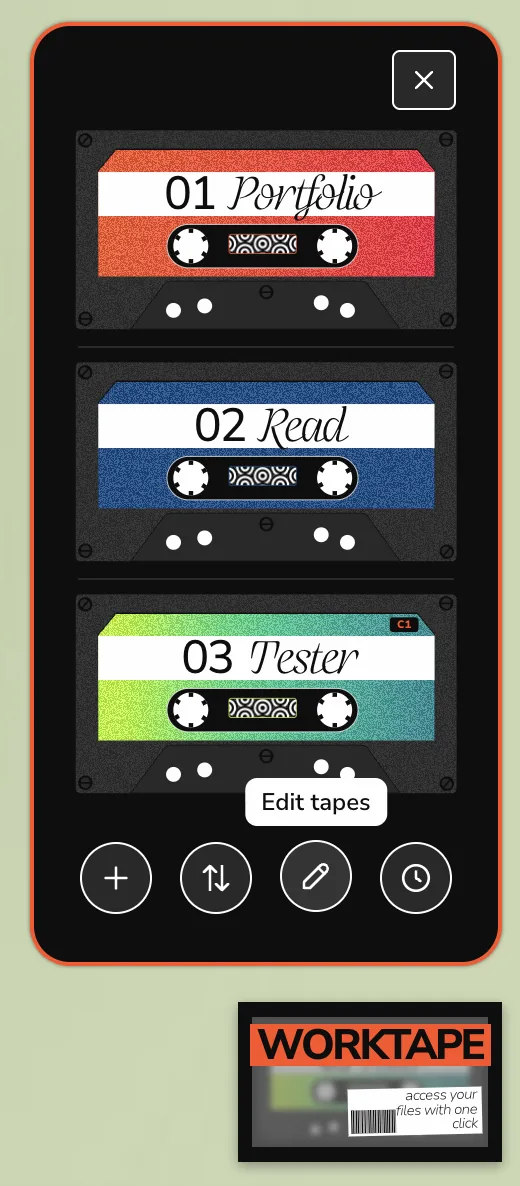
Add, reorder, edit and check your history.
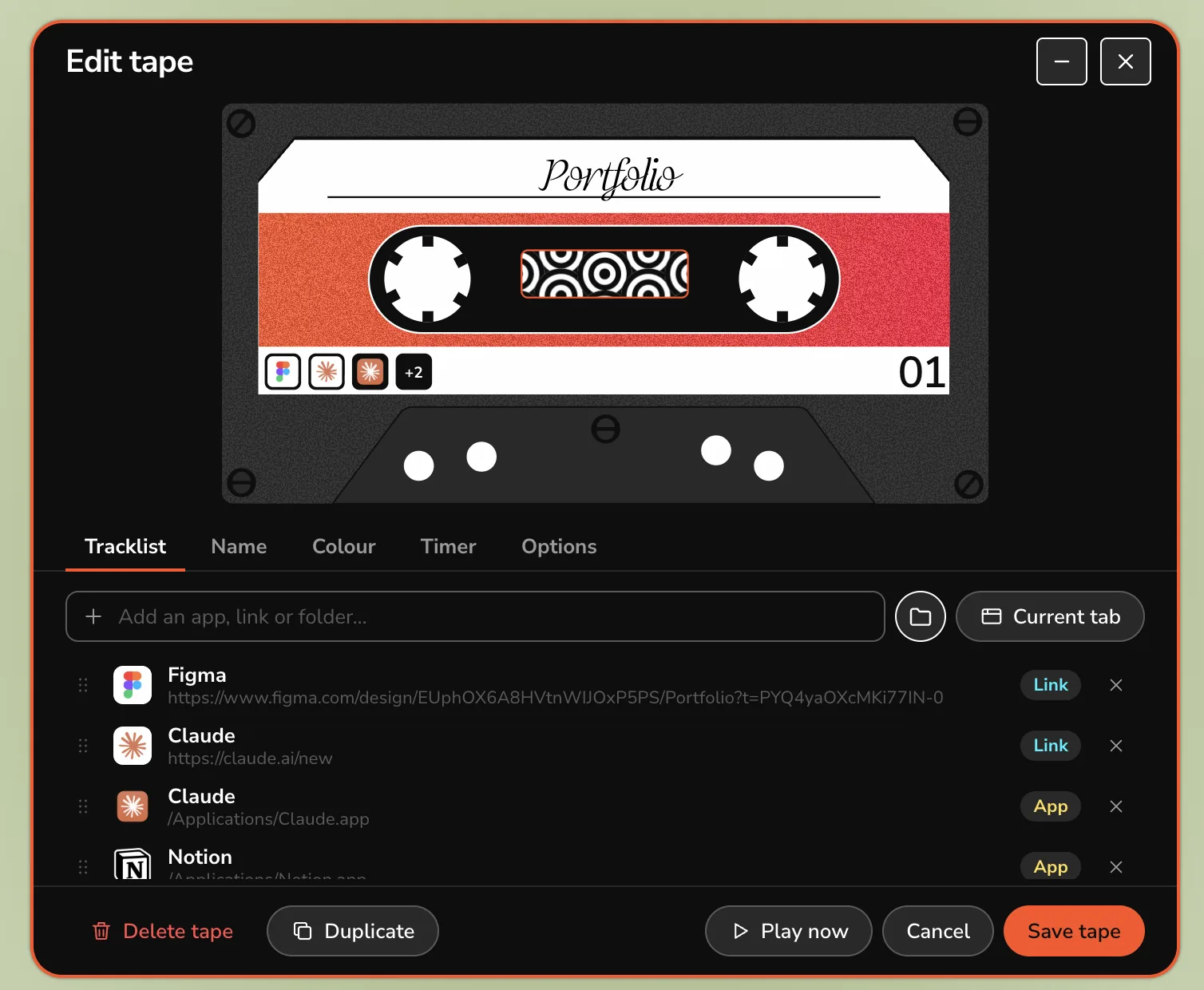
04 What's on the tape
The tracklist is everything a task needs.
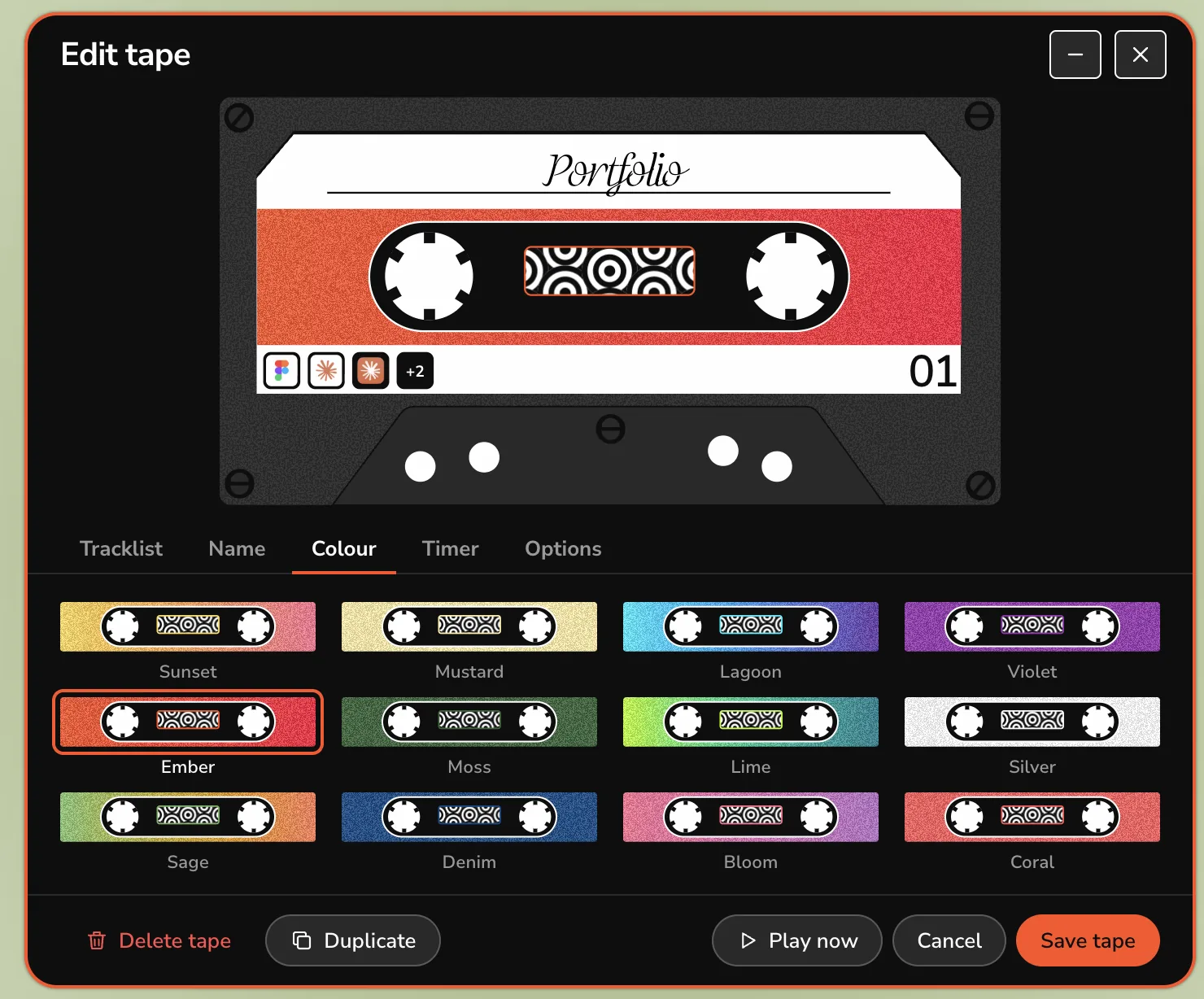
05 Make it yours
Twelve colours, one for every mood.
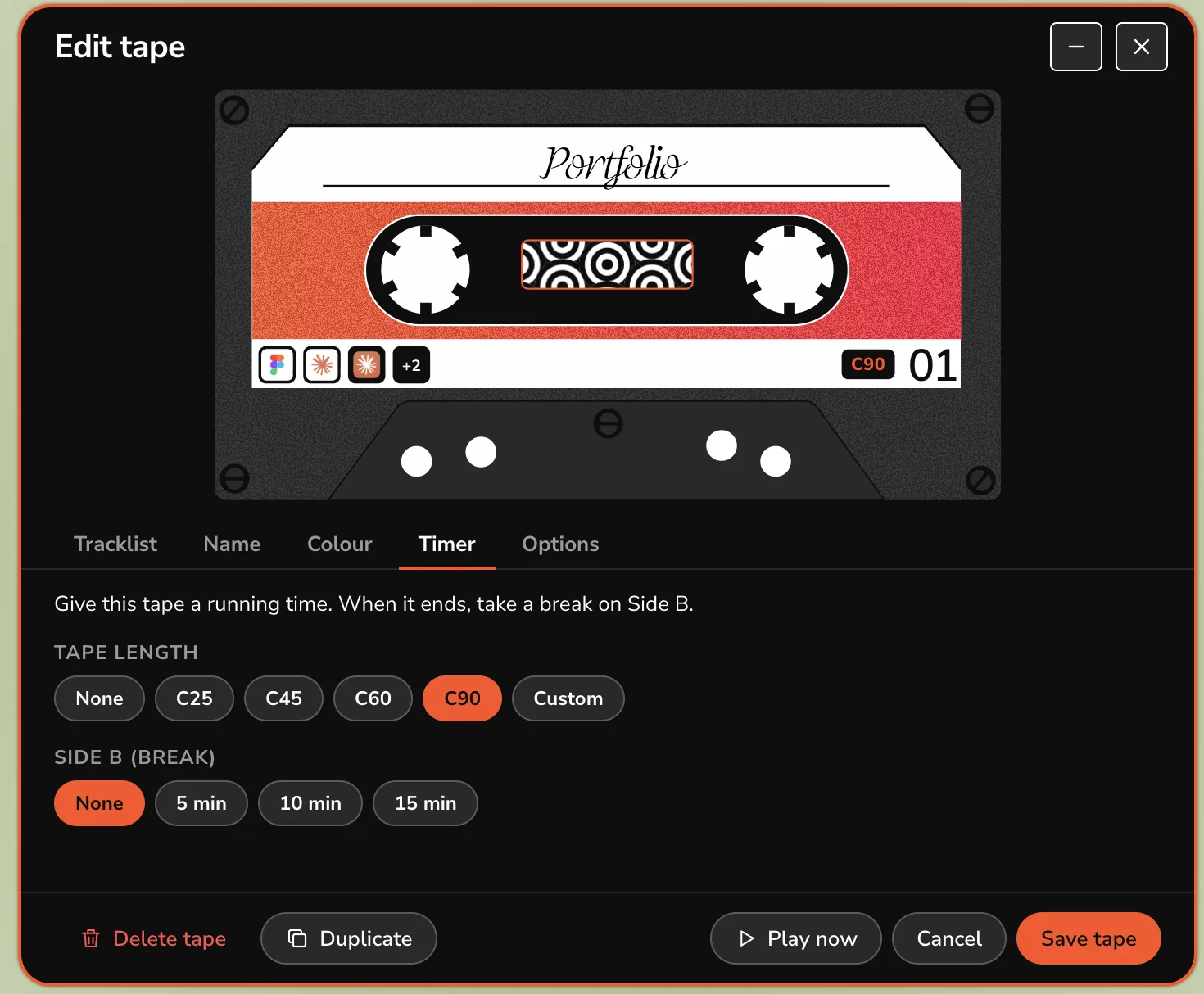
06 Set a running time
Like a real tape, it runs out.
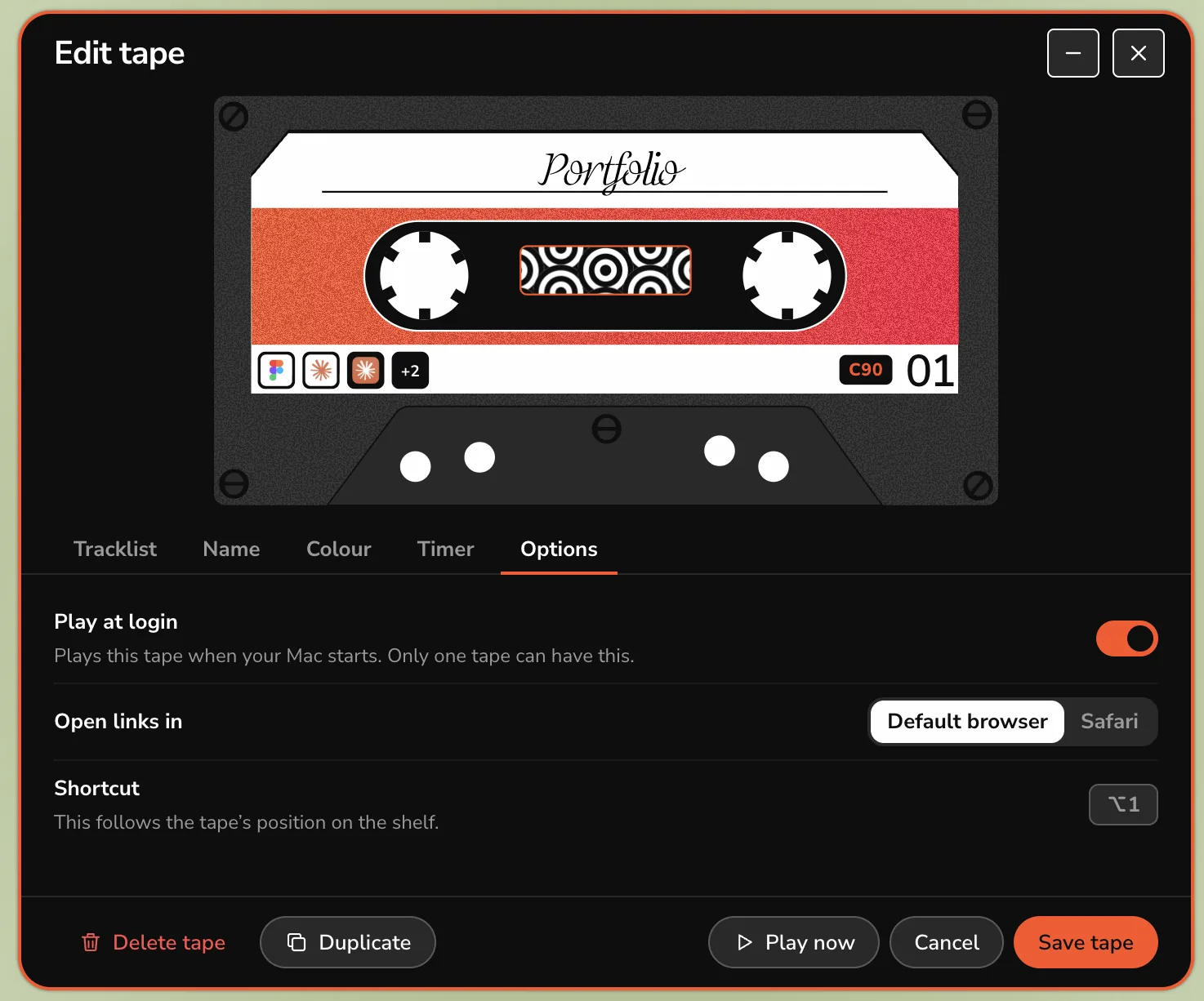
07 Little extras
Small options that make it fit my day.
Made for myself first. Now starting work is one click.